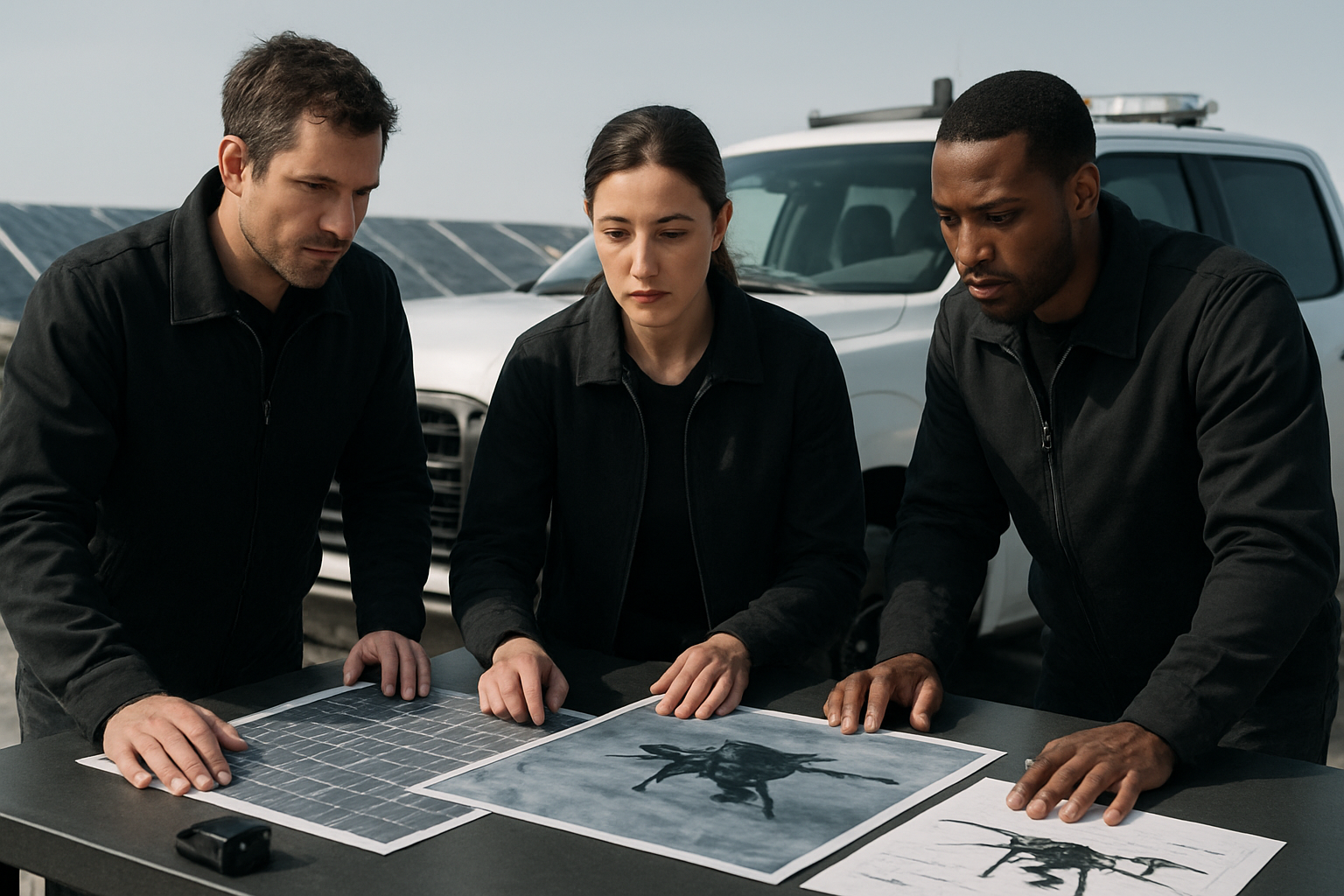
Drone Inspection for Solar Farms Checklist
Use this practical drone inspection checklist for solar farms to plan flights, capture thermal and visual data, and create maintenance tickets.
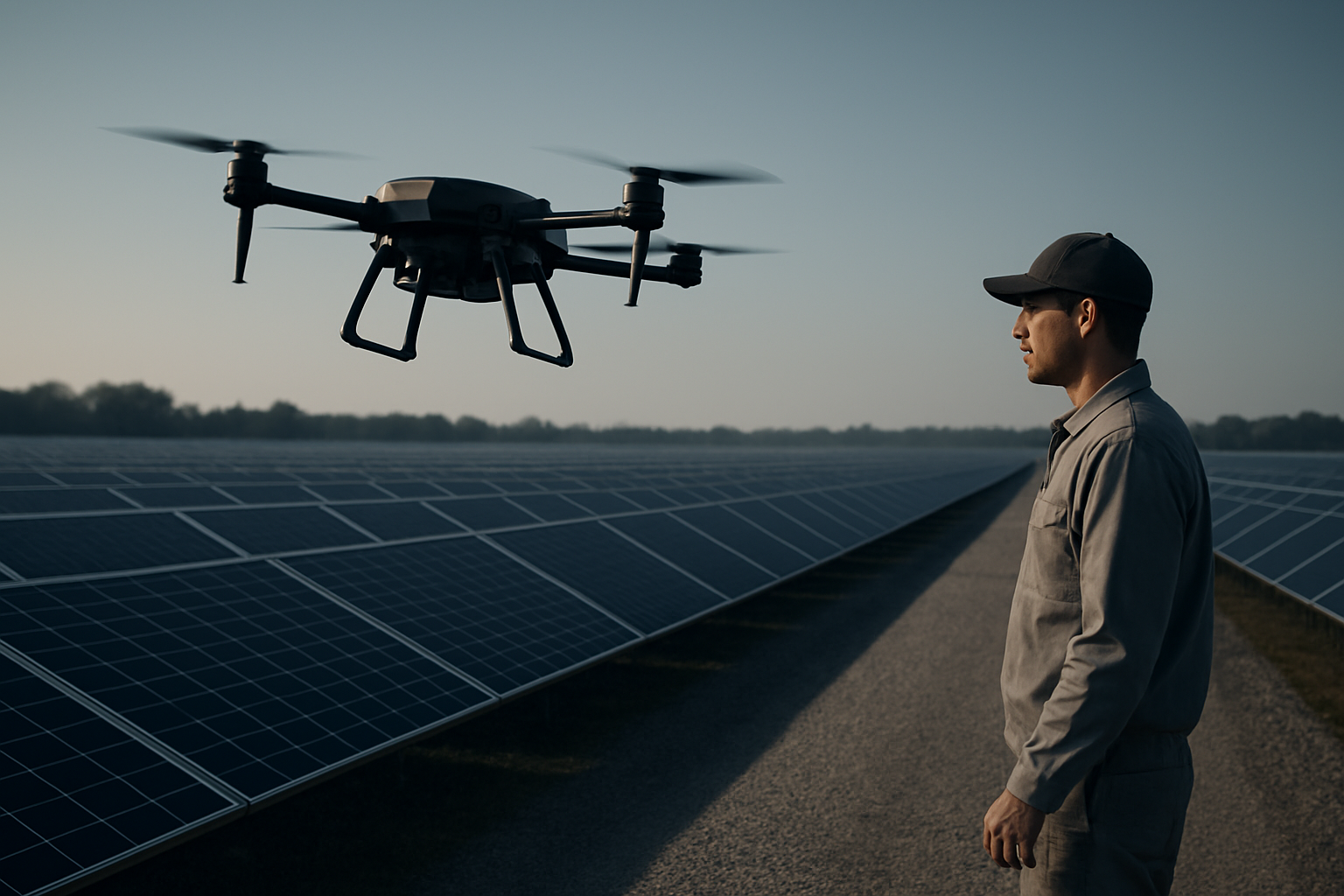
A drone inspection for solar farms is most useful when the flight plan, sensor setup, field notes, and reporting workflow are defined before takeoff. Thermal and visual imagery can help operations teams identify module anomalies, vegetation issues, soiling patterns, damaged components, access constraints, and site conditions that are difficult to assess from the ground alone.
This checklist is written for solar asset managers, inspection teams, and industrial operators who need a practical structure for aerial inspection. It covers what to prepare, what to capture, and how to turn imagery into maintenance tickets that field teams can act on.
Pre-flight Planning for Solar Array Inspection
Start with a clear mission objective. Define whether the flight supports routine monitoring, post-storm assessment, warranty documentation, vegetation review, inverter area inspection, or follow-up on production alerts. The objective determines the flight path, altitude, sensor choice, image overlap, and reporting detail.
Site and mission checklist
Confirm the site boundary, array layout, access roads, inverter locations, combiner boxes, perimeter conditions, and any restricted areas. Review airspace requirements, weather, sun angle, wind, and safe launch and recovery zones. The operator should also know who controls site access, who coordinates safety, and who approves the final report.
For thermal inspection, plan around conditions that support useful temperature contrast. Cloud cover, wind, precipitation, low irradiance, and fast weather changes can reduce image quality or make anomalies harder to interpret.
Equipment checklist
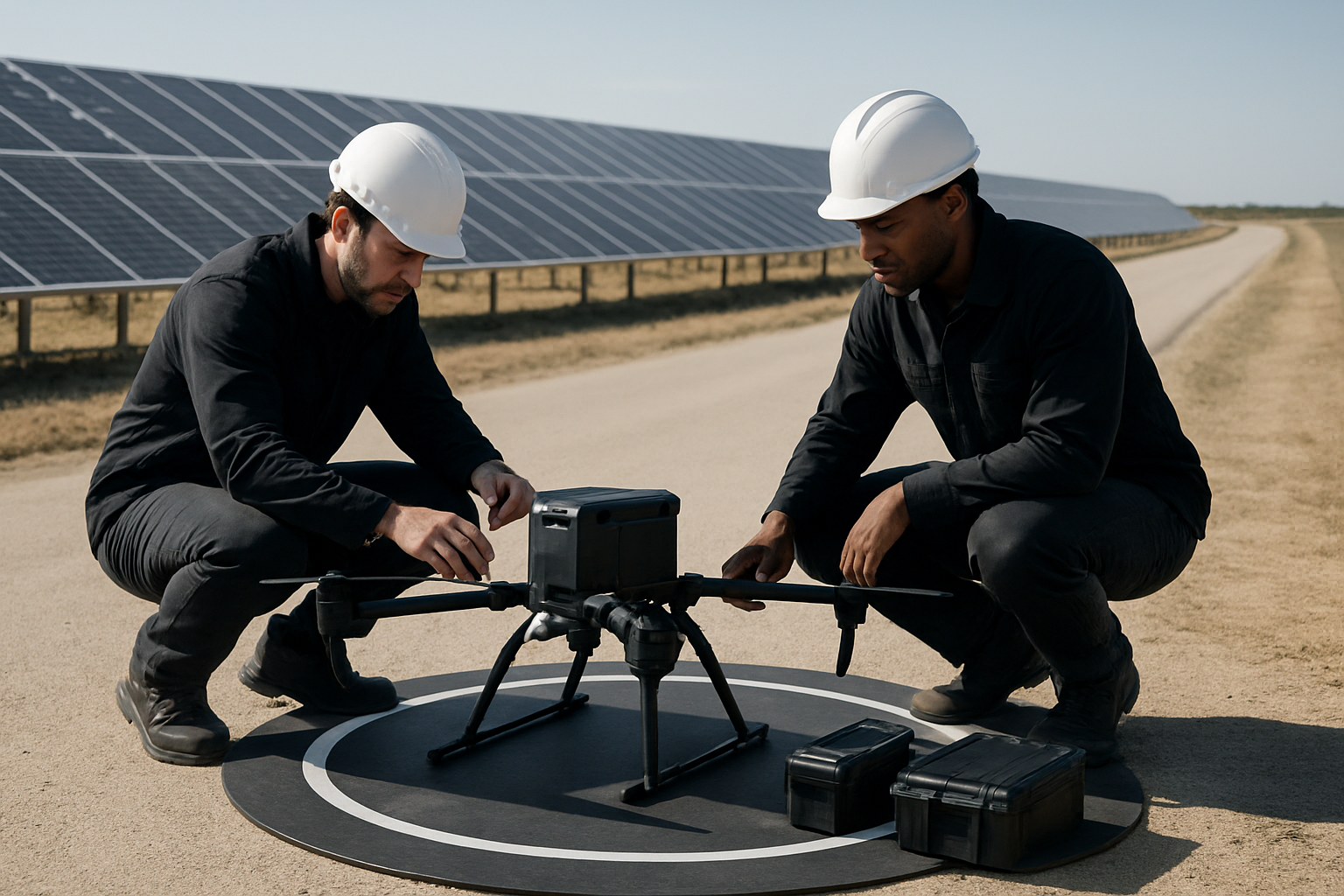
Prepare the aerial robot, batteries, controller, thermal sensor, visual camera, storage media, charging equipment, landing pad, and field documentation tools. Check lens cleanliness, sensor calibration requirements, time settings, geotagging, image format, and file naming. If the inspection must be repeatable, use consistent flight paths and naming conventions so future inspections can be compared more easily.
Flypio develops robotics and AI platforms for complex operational environments. Kestrel, Flypio’s aerial robot platform, is relevant to teams evaluating aerial robotics for inspection workflows where structured capture, situational awareness, and repeatable missions matter.
What to Capture During Thermal and Visual Flights
Solar inspection is not only about finding hot modules. The report should help maintenance teams understand what is affected, where it is located, and what follow-up action is appropriate.
Thermal image capture
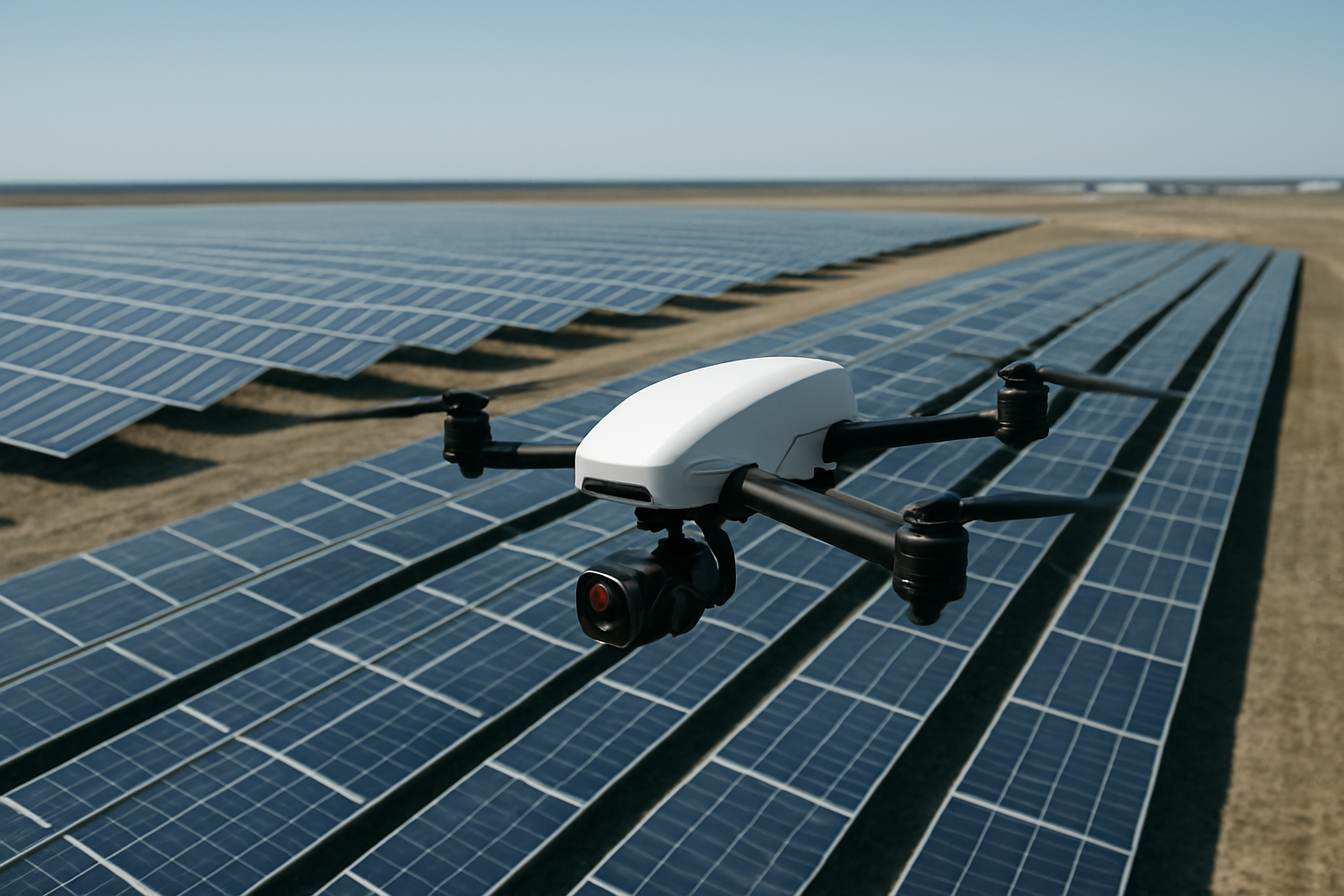
Capture thermal imagery across complete strings, rows, and blocks, not only individual suspicious modules. Context helps reviewers distinguish isolated module issues from pattern-based problems, shading effects, soiling, string faults, or equipment-related concerns. Maintain consistent flight lines, speed, and camera angle where possible.
Record field conditions that may affect interpretation, including passing clouds, wind, standing water, visible shade, active maintenance work, or abnormal site operations.
Visual image capture
Pair thermal findings with visual imagery whenever possible. Visual images help confirm cracked glass, surface contamination, bird activity, vegetation encroachment, damaged fencing, erosion, debris, loose hardware, cable concerns, or access road conditions. Capture wide views for location context and closer views when safe and appropriate.
The goal is not to collect the largest possible image set. The goal is to collect evidence that supports a clear decision: monitor, inspect on foot, clean, repair, trim vegetation, escalate to engineering, or close as no action needed.
Turning Images Into Maintenance Tickets
The value of aerial inspection increases when findings are converted into structured maintenance work. A folder of images is not the same as an operational report.
Finding classification
Use a consistent classification system. Each finding should include the asset area, row or block reference, suspected issue type, severity level, supporting thermal image, supporting visual image when available, date, weather notes, and recommended next action. Keep language specific and cautious. For example, write suspected module-level thermal anomaly rather than declaring a root cause that has not been verified on site.
Severity should reflect operational priority, not visual drama. An isolated anomaly may need different handling than a repeated pattern across a string or section. Define severity categories before the inspection so reviewers apply the same logic across the report.
Ticket-ready reporting fields
For every actionable item, include enough detail for a technician to locate and evaluate the issue without searching the full dataset. A practical ticket should include:
- Site name and inspection date
- Array zone, block, row, or GPS reference
- Finding type and short description
- Thermal and visual image references
- Field notes affecting interpretation
- Recommended follow-up action
- Priority level and responsible team
- Status field for review, assigned, in progress, resolved, or monitored
If the organization uses maintenance software, structure the report so these fields can be copied or imported. The inspection process should reduce friction between aerial data and field execution.
Quality Control Before Delivering the Report
Before the final report is shared, review the dataset for coverage gaps, blurred images, missing geotags, inconsistent naming, duplicate findings, and unsupported conclusions. If part of the site was not captured, state that clearly. If weather or operating conditions limited interpretation, include that limitation in the summary.
Report structure
A practical solar inspection report should begin with an executive summary, followed by mission conditions, site reference, prioritized findings, image evidence, and recommended next actions. Operations leaders need a clear view of what requires attention, while technicians need precise location and evidence details.
Separate observations from recommendations. An observation describes what the imagery shows. A recommendation describes the next operational step. Keeping those separate helps reviewers validate findings without confusion.
FAQ
What sensors are used for drone inspection for solar farms?
Most solar inspections use a thermal sensor and a visual camera. Thermal imagery helps identify temperature anomalies, while visual imagery provides context for physical conditions such as debris, vegetation, damage, or access issues.
Should every thermal anomaly become a maintenance ticket?
Not always. Some anomalies may need monitoring, while others require field inspection or repair review. A good workflow classifies findings by location, severity, evidence quality, and recommended action.
How often should solar farms be inspected by drone?
Inspection frequency depends on site size, operating goals, maintenance strategy, weather exposure, and known issues. Teams may schedule routine inspections and add targeted flights after storms, production alerts, or maintenance events.
Request a Demo
Aerial robotics can support clearer inspection workflows when capture, review, and reporting are planned as one process. Flypio develops robotics and AI platforms for aerial, terrestrial, and specialized operational environments. Request a demo through Flypio to discuss how Flypio robotics may fit your operational needs.