Drone Mapping for Construction Sites
Learn how scheduled aerial mapping turns construction progress into measurable site data and what to specify before the first flight.

Drone mapping for construction sites turns a changing jobsite into repeatable, measurable progress data. Instead of relying only on ground photos, walk-through notes, or isolated reports, scheduled aerial mapping flights can create consistent visual records, orthomosaics, elevation models, and measurement-ready outputs.
The value is not only the flight. It is the discipline around the flight: when it happens, which sensor is used, how ground control is handled, and how the data is compared over time. These choices should be defined before the first survey.
Why Scheduled Aerial Mapping Matters
Construction progress is physical, spatial, and constantly changing. Materials move, earthwork evolves, access routes shift, and completed work can be covered by later phases. Aerial mapping helps create a site-wide record from above, giving project teams broader context than ground-only documentation can provide.
From visual record to measurable data
A single flight may show current site conditions. A recurring flight program shows what changed between surveys, where work advanced, and where field conditions may differ from plans. Outputs may include orthomosaic maps, 3D surface models, point clouds, contours, and annotated imagery.
Where aerial robotics fits
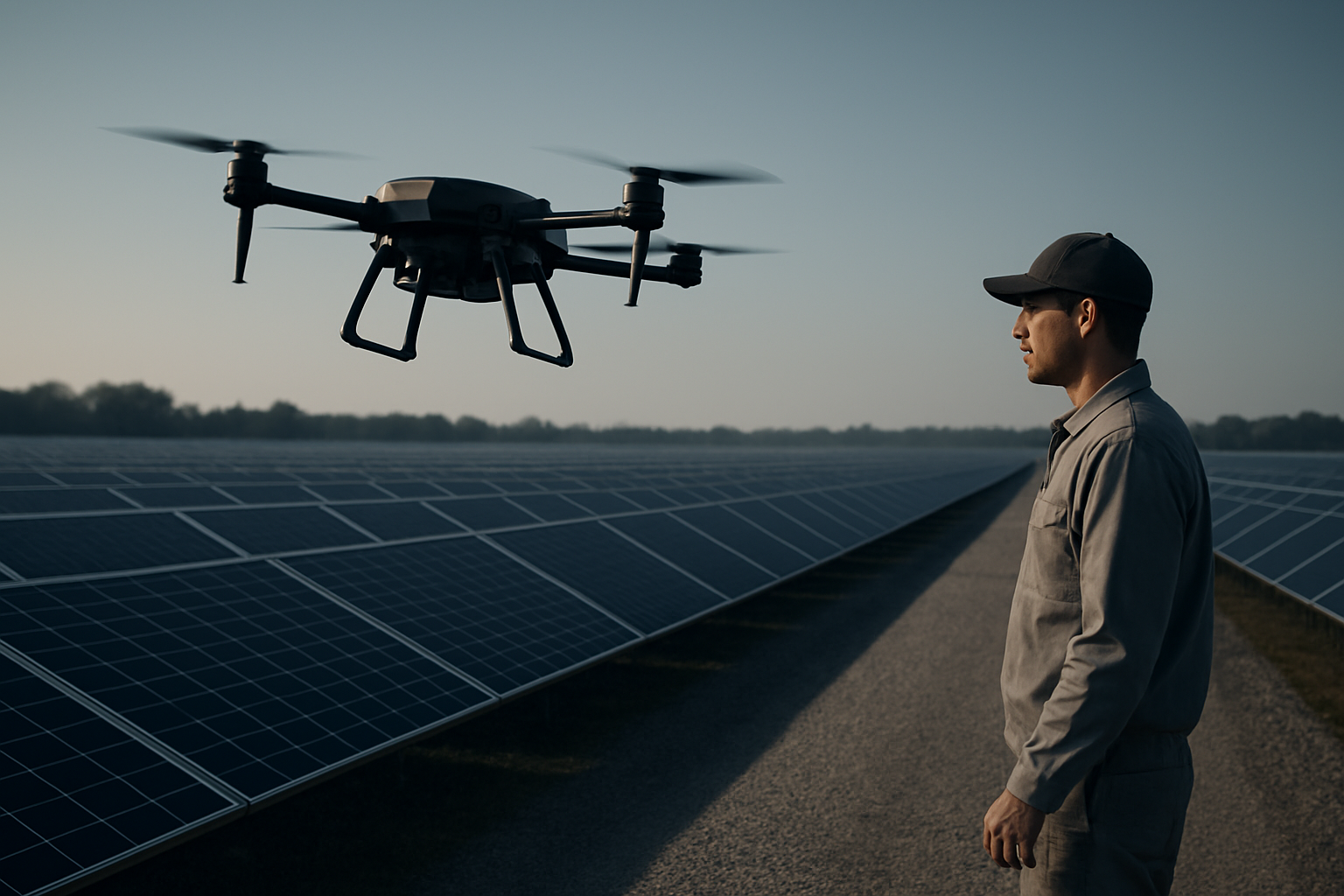
Flypio develops robotics and AI platforms for operational environments. Kestrel is Flypio’s aerial robot platform for teams evaluating robotic support in complex environments, including industrial and construction-related site awareness. The role is not to replace professional survey judgment; it is to support repeatable aerial data collection.
Specify the Flight Plan Before the First Survey
A construction mapping program should begin with a written flight specification. The goal is to make each flight comparable, not to improvise settings on every visit.

Define the mapping boundary
Identify the exact area to be mapped: active work zones, access roads, staging areas, laydown zones, and surrounding context needed for interpretation. If the boundary changes during the project, document the change so later comparisons remain clear.
The boundary should also note areas that should not be captured or where restrictions may apply. Construction sites often sit near roads, utilities, cranes, occupied properties, or controlled access zones.
Keep flight timing consistent
Progress maps are easier to compare when flights occur on a predictable schedule. Weekly, biweekly, milestone-based, or phase-based mapping can all be valid. The right cadence depends on the decisions the data will support.
Time of day matters as well. Similar lighting helps reduce shadow differences between maps. Weather, wind, dust, and site activity can affect image quality, so the plan should define when a survey should be postponed or repeated.
Document altitude, speed, and overlap
The flight specification should identify target altitude, flight speed, camera angle, and required image overlap. These settings affect ground detail, processing quality, and the ability to build accurate map products.
Nadir imagery, captured straight down, supports orthomosaic mapping. Oblique imagery, captured at an angle, can help document vertical elements, façades, stockpiles, and structures. Many programs benefit from both when the purpose of each image set is clear.
Choose the Right Sensor for the Jobsite Question
The sensor should match the decision the team needs to make. More data is not always better if it creates processing delays or outputs no one uses.
RGB imagery for standard progress mapping
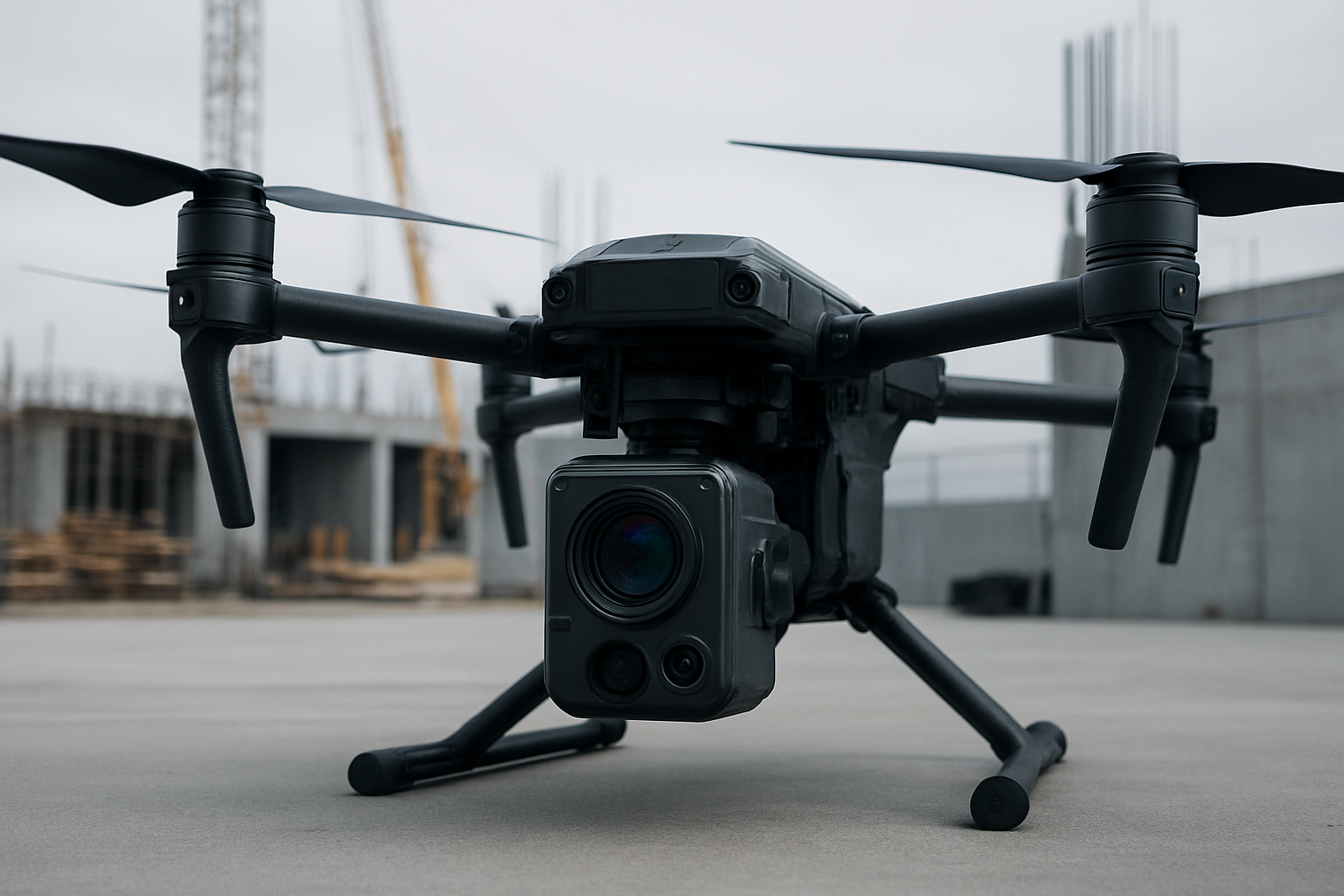
A high-quality RGB camera is often the primary sensor for construction progress mapping. It captures site conditions in a format that is easy to understand, share, and compare. RGB imagery can support orthomosaics, visual inspection, annotations, and basic measurement workflows when paired with proper processing and control.
LiDAR and depth-focused data
LiDAR may be useful where surface detail, vegetation, stockpile shape, or complex terrain are central to the project. It can support point cloud generation and surface modeling in ways that differ from image-only photogrammetry.
Teams should decide whether LiDAR is required before mobilizing. It can affect platform selection, processing workflow, file size, and deliverable format. If the project mainly needs visual progress documentation, LiDAR may not be necessary.
Specialized sensors for specific inspections
Thermal or other specialized sensors should be tied to a specific inspection question. For example, a team may need to evaluate heat signatures, moisture-related indicators, or system performance in a controlled context. These use cases require careful planning and interpretation.
Ground Control Turns Images Into Reliable Maps
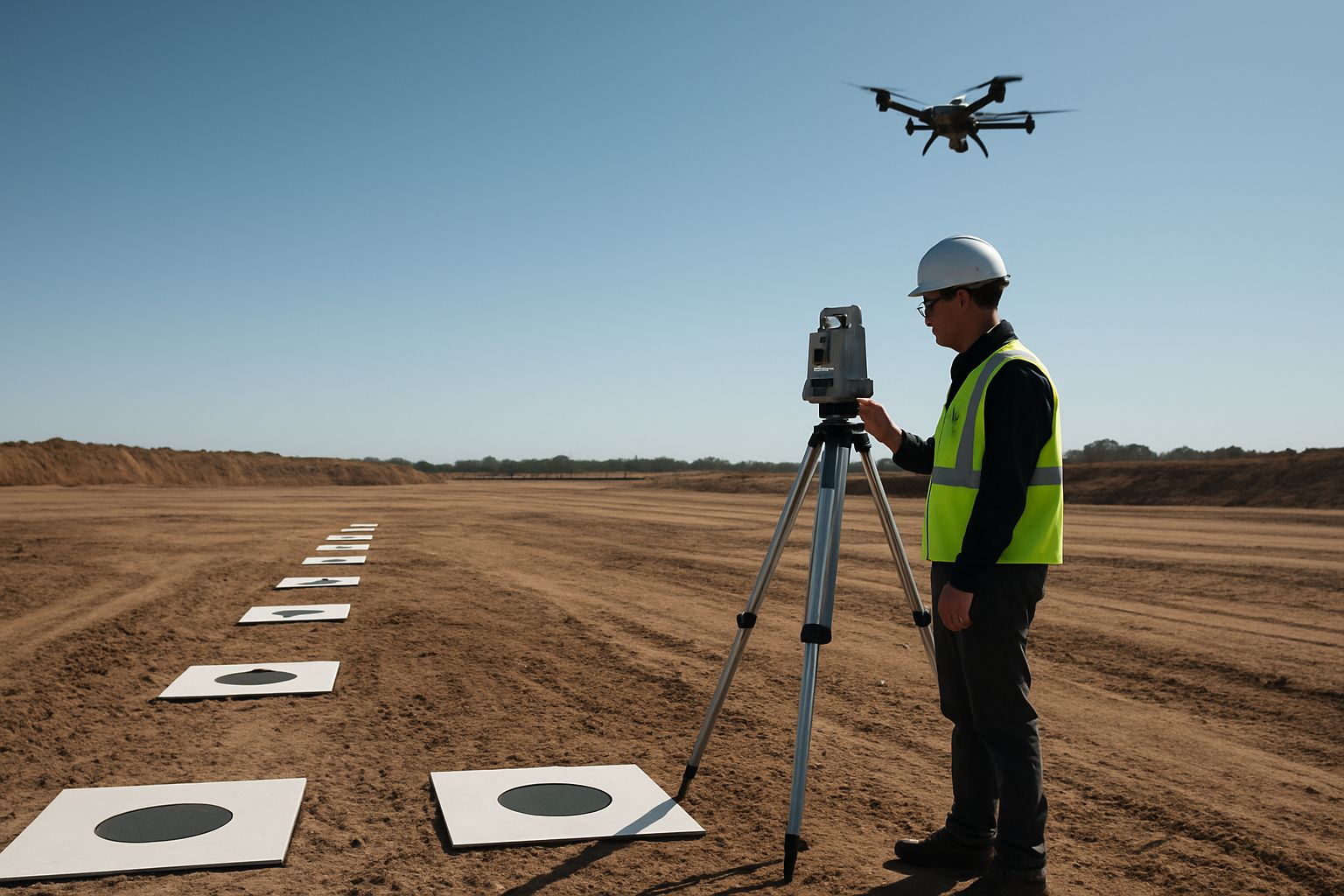
Aerial imagery becomes more useful when it is connected to known ground references. Ground control points and checkpoints help align the map to real-world coordinates and provide a basis for quality review.
Separate control from verification
Ground control points help process and align the map. Checkpoints are held back to evaluate how well the output matches known positions. Keeping these roles separate supports better quality assessment.
The site team should decide who places, measures, protects, and documents ground markers. Markers should be visible from the air, distributed across the mapping area, and placed where they are unlikely to be moved by equipment or materials.
Specify coordinate system and file formats
Before the first flight, define the coordinate system, vertical datum, file formats, and naming conventions. This prevents confusion when outputs are imported into design, BIM, GIS, or project management tools.
If the project uses existing survey control, the drone mapping workflow should align with that framework. Aerial data is most useful when it fits the project’s existing information environment.
Turn Mapping Outputs Into Progress Decisions
The final step is making the data useful to the people managing the project. A clear map is not enough; deliverables should answer operational questions.
Project teams can use recurring aerial maps to review work completed, compare current conditions to plans, document site access, monitor staging changes, and support owner updates. Dated map layers can also help reconstruct what the site looked like at key milestones.
A practical reporting workflow should identify the audience, review cadence, and required outputs. Some stakeholders may need a simple annotated map. Others may need point clouds, 3D models, or files prepared for technical review.
FAQ
How often should a construction site be mapped by drone?
The schedule should match the project pace and the decisions the data will support. Weekly, biweekly, or milestone-based mapping may all be appropriate depending on the site.
Is drone mapping a replacement for a licensed survey?
Not necessarily. Drone mapping can support documentation, measurement, and site awareness, but survey requirements depend on jurisdiction, project standards, and professional responsibility.
What should be agreed before the first mapping flight?
Agree on the mapping boundary, flight cadence, sensor type, altitude, image overlap, ground control plan, coordinate system, deliverable formats, and review workflow.
Construction teams evaluating aerial robotics should begin with the operational question, then define the data needed to answer it. Explore Flypio’s robotics platforms and request a demo through the Flypio website.